Understanding TradingView: A Comprehensive Overview
TradingView has become a pivotal platform for traders and investors alike, offering a unique blend of powerful charting tools, real-time data, and a vibrant community. As financial markets evolve, the need for sophisticated analytics and collaborative trading experiences continues to grow. The platform caters to a diverse range of trading styles, from beginner retail traders to professional hedge funds. When exploring options, tradingview provides comprehensive insights into market dynamics and trading strategies.
What is TradingView?
TradingView is a cloud-based platform that allows users to analyze financial markets in real-time across various asset classes including stocks, forex, cryptocurrencies, and commodities. Founded in 2011, it has emerged as one of the most popular charting solutions worldwide, with millions of active users. The platform combines social networking elements with powerful charting tools, enabling users to share insights, scripts, and trading strategies with each other.
Key Features and Tools Offered
One of TradingView's standout features is its user-friendly interface, which includes a plethora of tools that can enhance the trading experience:
- Advanced Charting: Users can create custom charts with a variety of indicators and overlays, including moving averages, Bollinger Bands, and Fibonacci retracements.
- Social Networking: Traders can follow each other, share trade ideas, and collaborate on strategies, creating a community-driven atmosphere.
- Real-Time Data: Access to live market data ensures traders can make timely decisions based on the latest information.
- Alerts: Users can set up alerts for price movements and indicator signals, helping them stay informed of market changes.
- Custom Scripting: The platform allows advanced users to code their own indicators and strategies using Pine Script, TradingView’s proprietary programming language.
Who Can Benefit from TradingView?
TradingView is suitable for a wide range of users:
- Beginner Traders: The intuitive interface and abundant educational resources make it easier for novices to learn about financial markets.
- Experienced Traders: Advanced analytical tools and customization options appeal to seasoned traders looking for a sophisticated trading platform.
- Investors: Investors of all types can benefit from the ability to track and analyze their portfolios in one place.
- Market Analysts: Professionals can use TradingView's extensive data and charting capabilities to conduct in-depth market analysis.
Getting Started with TradingView
Creating Your TradingView Account
To begin your journey with TradingView, creating an account is straightforward. Visit the website, choose between a free or paid plan, and follow the registration prompts. Free accounts provide access to basic features, while premium plans unlock additional tools such as advanced charting options and priority customer support.
Navigating the Interface
The TradingView interface is designed for ease of navigation and accessibility. Upon logging in, users will find their dashboard, which includes:
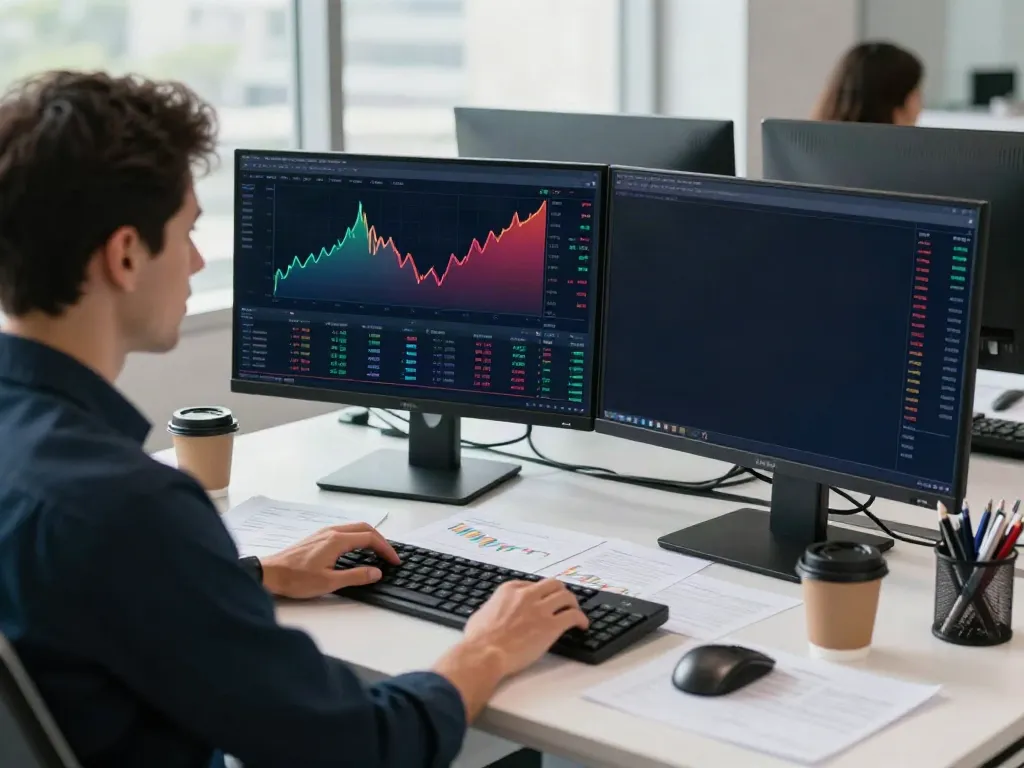
- The Chart Area: Central to TradingView, this is where users can analyze price action with various tools at their disposal.
- Watchlists: Traders can create multiple watchlists to monitor assets of interest.
- Market News: A section dedicated to real-time news and updates affecting financial markets.
- Community Feed: Here, traders can see the latest ideas shared by others in the TradingView community.
Customizing Your Chart Settings
Customization is a key strength of TradingView. Users can adjust chart types (candlestick, line, bar), change color schemes, and add personal notes directly onto charts. Additionally, the ability to save multiple chart layouts allows users to switch between different trading strategies or market analyses seamlessly.
Advanced Trading Techniques Using TradingView
Utilizing Technical Analysis Tools
Technical analysis is crucial for making informed trading decisions. TradingView offers an array of technical indicators that users can apply to their charts. Key indicators include:
- Relative Strength Index (RSI): Measures momentum and can help identify overbought or oversold conditions.
- Moving Averages: Smooth price data to identify trends over specific time frames.
- Volume Indicators: Analyze trading volume to gauge the strength behind price movements.
Understanding how to properly use these tools can significantly enhance a trader's ability to analyze market conditions effectively.
Setting Up Alerts for Key Market Movements
Alerts are indispensable for active traders. TradingView allows users to set alerts based on specific price levels, technical indicators, or even custom scripts. This feature ensures that traders do not miss critical market movements, enabling timely entry or exit from positions.
Integrating TradingView with Other Platforms
For traders who use multiple tools, TradingView offers integrations with several brokerage platforms. This functionality allows users to execute trades directly from the TradingView interface, ensuring a seamless trading experience without the need to switch between applications.
Community and Collaboration on TradingView
Engaging with Other Traders
The community aspect of TradingView sets it apart from traditional trading platforms. Users can engage with each other through comments on shared charts, participate in discussions, and follow traders whose analysis they respect. This collaborative approach fosters a learning environment that can enhance one’s trading skills.
Sharing Ideas and Strategies
Traders can publish their ideas and strategies on TradingView, showcasing their analytical skills and inviting feedback from others. This peer-review process can provide valuable insights and enhance one’s understanding of different trading approaches.
Using Scripts and Custom Indicators
For advanced users, TradingView’s Pine Script allows for the creation of custom scripts and indicators. This capability enables traders to develop tailored strategies that meet their specific trading needs, offering a level of customization rarely found in other charting platforms.
Future Trends for TradingView and Financial Trading
Innovations on the Horizon for 2026
As we look forward to 2026, TradingView is likely to evolve further, integrating more advanced technologies such as machine learning algorithms and additional social trading features. These innovations could enhance the platform’s analytical capabilities and provide traders with even more tools to navigate the complexities of financial markets.
How AI is Transforming Trading Strategies
Artificial intelligence is poised to revolutionize trading strategies significantly. TradingView may incorporate AI-driven insights that allow traders to analyze vast amounts of data quickly and make informed decisions based on predictive analytics. This shift could democratize advanced trading techniques, making them accessible to all users.
Preparing for the Future of Trading Platforms
To stay ahead, traders should continuously educate themselves and adapt to new features offered by platforms like TradingView. By leveraging available resources, such as tutorial videos, webinars, and community discussions, traders can remain adaptable in an ever-changing market landscape.
What are the benefits of using TradingView?
Some key benefits of using TradingView include:
- Access to a large community for shared insights and strategies.
- Advanced charting tools that cater to traders of all experience levels.
- Flexibility to customize charts and trading setups to individual preferences.
- Integration capabilities that streamline trading across platforms.
How can I get the most out of TradingView?
To maximize the benefits of TradingView, traders should engage actively with the community, utilize the available educational resources, and take full advantage of the platform's customization features. Setting alerts and practicing with paper trading can also help refine strategies before committing real capital.
What should beginners know about TradingView?
Beginners should focus on learning the basics of charting and trading concepts. Exploring educational content on TradingView, such as tutorials and public ideas, can provide invaluable insights. Additionally, starting with a free account allows beginners to familiarize themselves with the platform without financial pressure.
Is TradingView suitable for all types of traders?
Yes, TradingView caters to various traders, from novices to professionals. Its diverse feature set and flexible pricing plans allow users to choose the plan that best fits their trading needs, making it accessible for anyone interested in market analysis.
What are the costs associated with TradingView?
TradingView offers several pricing tiers, including a free plan with limited features and premium plans that unlock advanced tools and functionalities. Users can choose from Basic, Pro, Pro+, and Premium tiers, each designed to cater to different trading needs and budgets.